- Find your Unique FR URL to access the CDAP - Small Business Funding Request Form, it will be in an email from Alacrity CDAP <cdap@alacritycanada.com> with the subject line starting with CDAP ID AC
- Your grant ID Account # is: You can find this in the same email from Alacrity, it is the number after CDAP ID AC in the subject line
- Select "I upgraded an EXISTING e-commerce website for added functionality (i.e., new plugins, or features)"
- For the field "Please provide the website URL" Please paste the URL link to your website where you have added the virtual tour and chatbot
- Please provide a summary of how the below costs were used in adopting digital technologies, directly tied to the sale of goods and services online: Our e-commerce upgrade to our website is a chatbot to help us better communicate with our clients and customers. We have also had 360° Immersion create a 360° virtual tour / video to allow our customers to experience our business on everything they use online.
- Implementation or improvement costs: $150
- Digital Marketing consulting/agency costs: $2250
- Total Submitted Costs: $2400
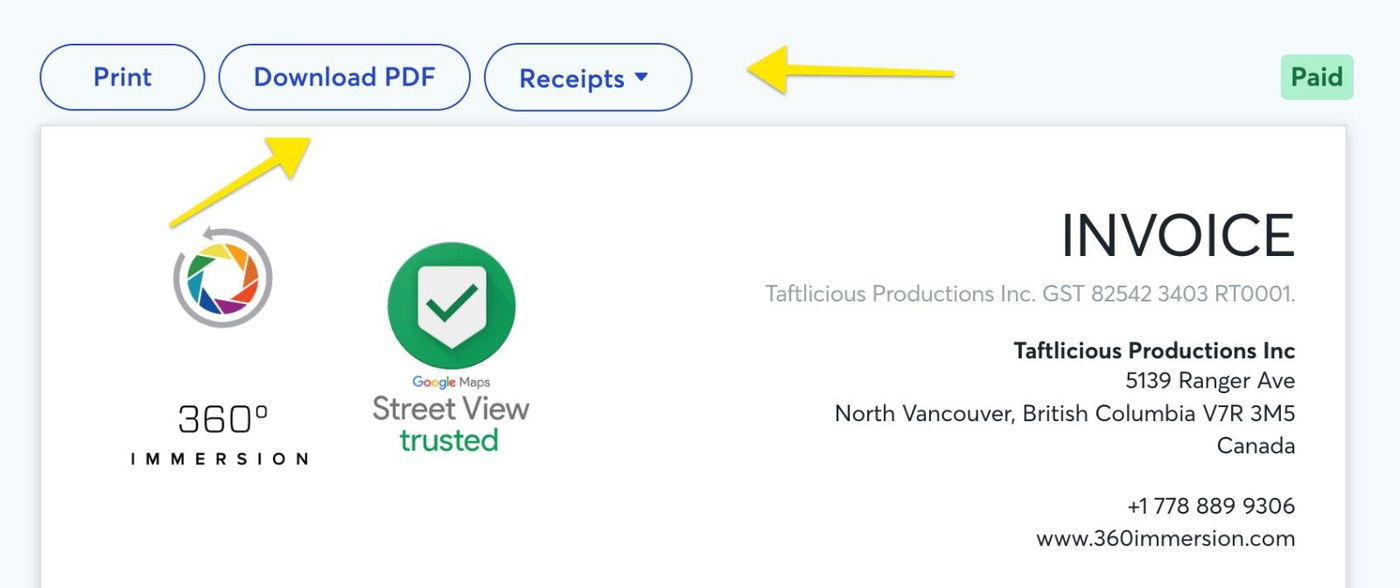
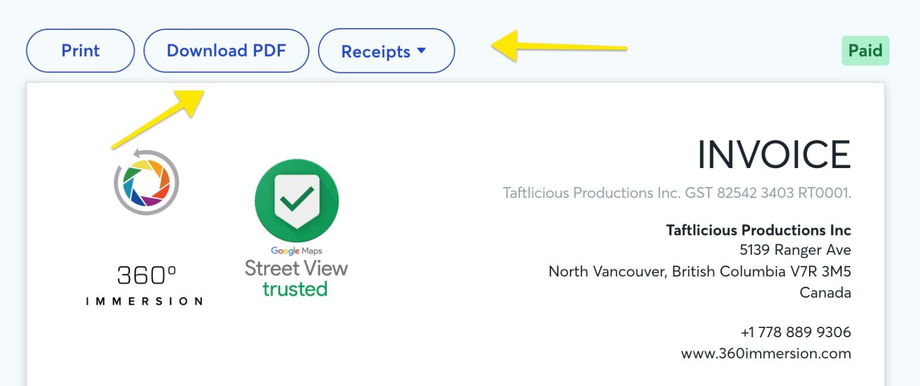
- Applicable Vendor Invoices and Receipts: Upload the paid invoice and payment receipts (download these from the invoice link or let me know if you need help combining these into a single PDF document).
- Separate Proof of Successful Payment: You need to upload a screenshot of the bank or credit card statement from the payment method that you used to pay the invoice, showing proof of the payment being made. ❗This is essential for your reimbursement to be approved.
Check the box below affirming that "Yes, proof of payment has been provided"
One of the following:
- Bank statement showing the payment has cleared
- Screenshot of credit card statement showing the payment
- Copy of a cheque that the bank has processed
See this document for information regarding accepted proof of payments https://www.alacritycanada.com/wp-content/uploads/2023/04/CDAP-Proof-of-Payment.pdf
- Enter the business bank account where you would like to have the grant reimbursement deposited. Please upload a copy of a VOID cheque or bank issued direct deposit form to verify the above information. It must include the Business Bank Account Number and Account Beneficiary Name
- On the last page, check all 3 boxes and click submit.
- You're now done 🥳