Please refer to these instructions:
- Copy the iframe code, also called embed code.
- On the left menu of the Back Office go to the text or product page you want to add the virtual tour or chatbot to, for example the About us page.
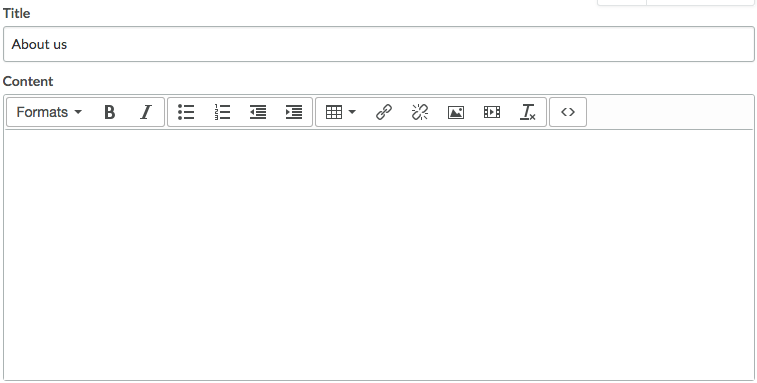
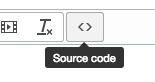
- On the Edit menu click Source Code < >.
- 3. Paste the embed code and click OK.
- For more info, see this article:
https://ecom-support.